Interior design often starts with a simple idea: a color palette, room layout, mood board, or photograph of the space you want to change. But at the next stage the process quickly becomes more complicated. One tool is for inspiration, another for layouts, a third for image editing, and a fourth for presentations.
AI Studio by Planner 5D brings these steps together in a single AI-powered workspace, helping homeowners, design enthusiasts, and professionals go from first idea to finished presentation easier and faster. Think of it as Claude or Chat GPT, but for interior design.
What is AI Studio?
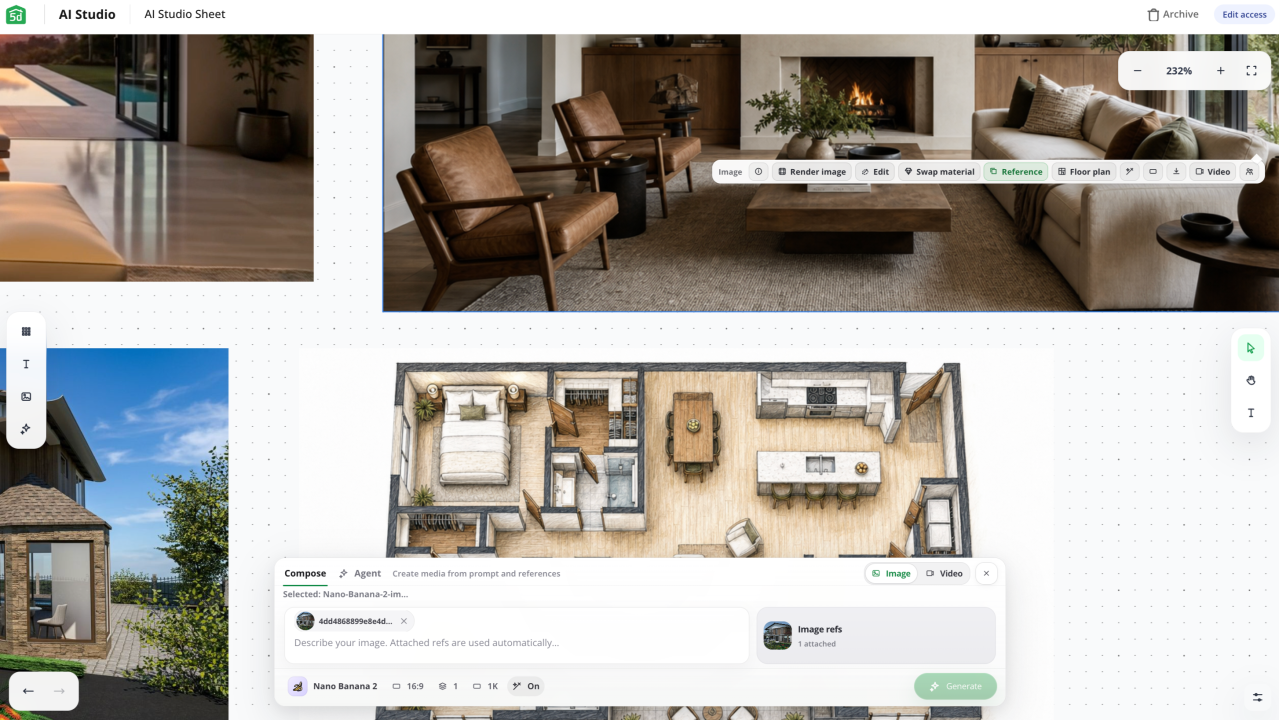
AI Studio is a new design process within Planner 5D, built natively around AI. It brings together tools for creating concepts, layouts, furnishings, restyling, rendering enhancements and immersive presentations in one place.
AI Studio is suitable for working with interiors, exteriors, landscape ideas and architectural projects. It recognizes floor plans, room layouts, reference images, text queries, sketches and drawings, and PDF files. This allows users to start a project even if they only have a rough idea or a simple image.
Try AI Studio today and discover a faster, more visual way to design with Planner 5D.
Find out more!
What can you do in AI Studio?
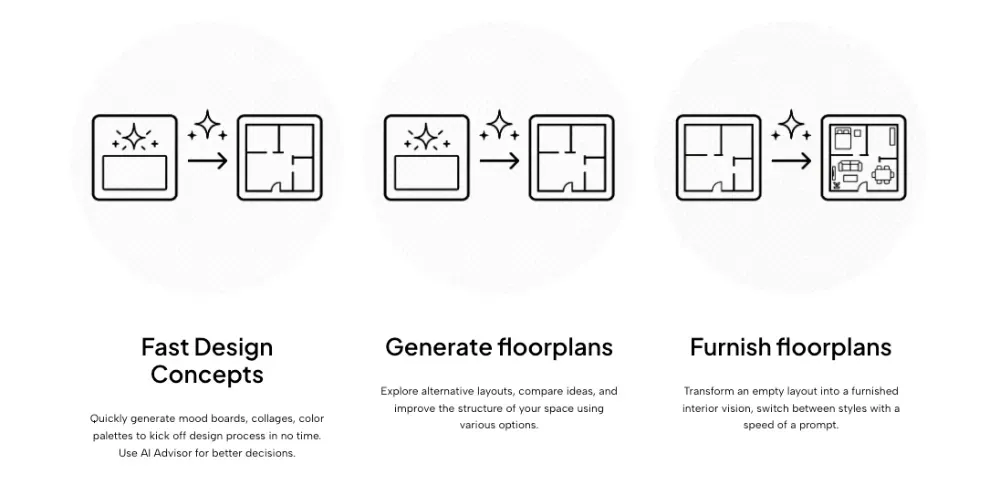
AI Studio helps users move from inspiration to finished visualizations faster. You can create mood boards, collages, and color palettes to help define the future style of the space. You can also generate floor plans from sketches, images, PDFs, or manual plans.
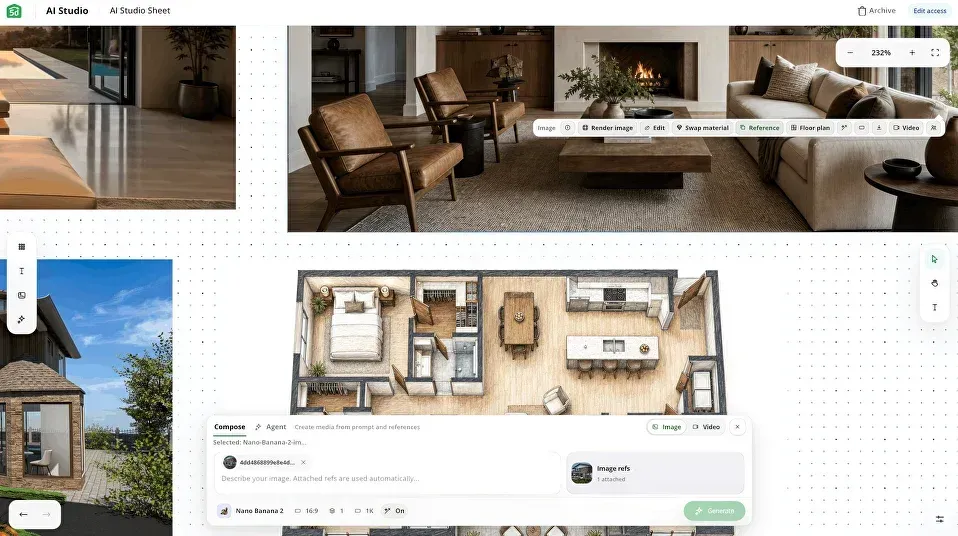
When the layout is ready, AI Studio can fill the empty plan with furniture, decor and ready-made room design scenarios. It can also change the style of existing interiors while maintaining the structure of the room. This makes it easier to test new materials, colors, moods and furniture styles. It works similar to Codex, but focuses on interior design.
For spot edits, users can add, recolor, or remove items from the render without changing the entire image. This is convenient for testing parts: furniture, plants, lighting, decor and other objects.
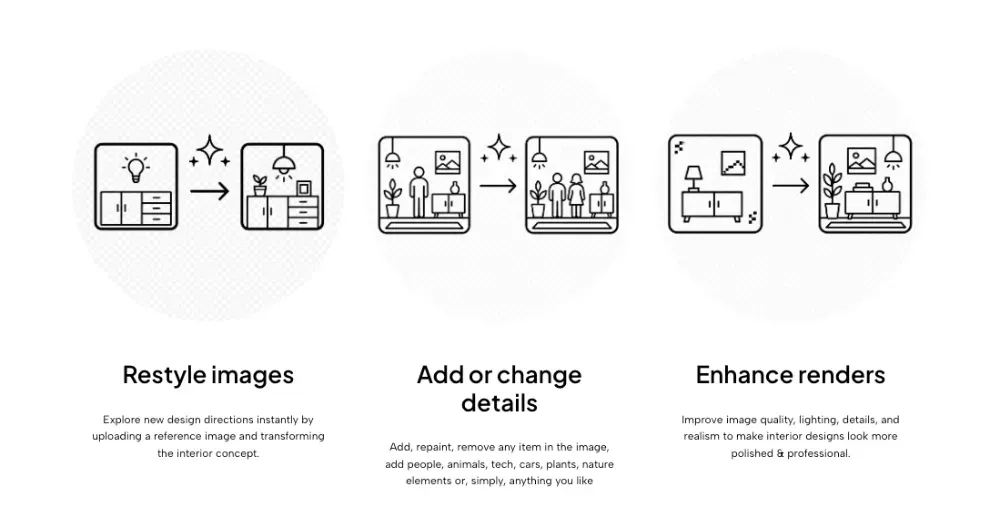
AI Studio also improves the quality of renders by adjusting lighting, detail, realism and overall appearance of the image. For presentations, it can turn static images and floor plans into videos, 360° panoramas, flyovers and other immersive formats.
AI Studio is already available in Planner 5D. Try it today and find a faster, more visual way to bring your design ideas to life.
Try it today
Who is AI Studio suitable for?
AI Studio is created for both design enthusiasts and professionals.
- For homeowners and interior design enthusiasts, it’s an easier way to explore ideas, compare design solutions, and make more confident decisions.
- For professionals, it will help speed up the creation of concepts, testing of different visual options, communication with clients and preparation of presentations. It also helps reduce the need to switch between disparate tools while working on a project.
A more seamless design process
AI Studio brings together multiple parts of the design process that typically take place in different places. Users can start with inspiration, create layouts, furnish rooms, change interior styles, improve renderings and prepare presentations in a single AI-powered workspace.
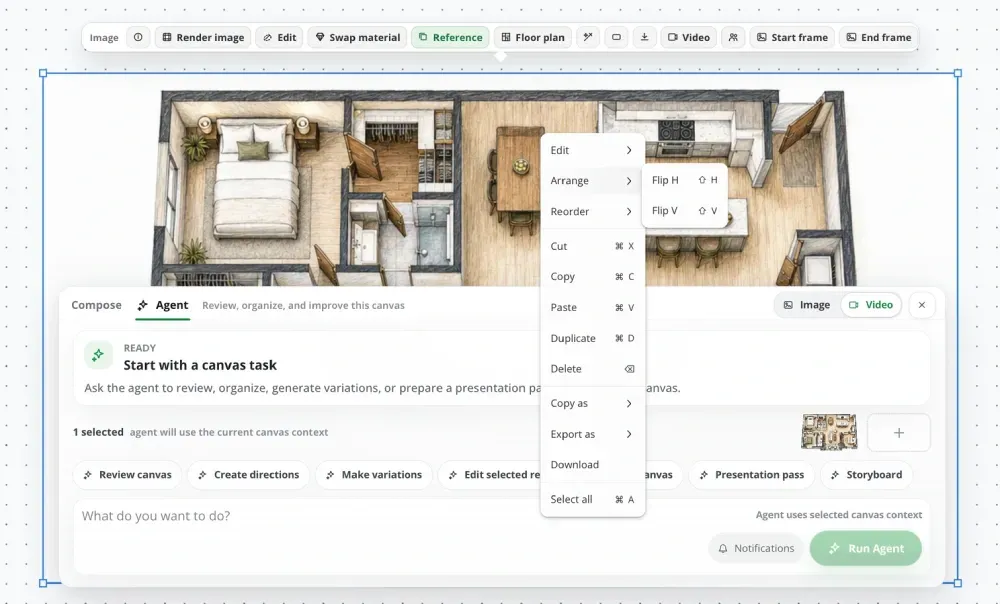
This makes the process faster and more flexible. It also gives users more space to experiment, compare ideas, and improve designs before taking next steps.
AI Studio is already available in Planner 5D.